
Cross-compiling your Golang program for ARM32v6 architecture is not only possible but also quite easy to achieve. In this tutorial, we will provide you with an in-depth guide on how to cross-compile using a different operating system, ensuring that your program is compatible with the Raspberry Pi.
Before getting started, we recommend that you have at least a basic understanding of Linux and Bash, as it will come in handy when navigating the command line interface and troubleshooting any issues that may arise during the installation process.
The Golang Compiler is an essential tool that allows developers to write programs in the Go programming language. It is compatible with a wide range of operating systems, including Linux and Windows. If you are planning to use it on a Raspberrypi zero w, it is important to note that the process may require some additional steps due to the limited resources of this device.
In summary, the Golang Compiler is a powerful tool that can help you take your programming skills to the next level. With a little bit of patience and some basic knowledge of Linux and Bash, you can easily get it up and running on your Raspberrypi zero w and start writing your own Go programs.
Lets Code#
Let’s start by creating a very simple Go application. Create a file called main.go somewhere in your $GOPATH and include the following code:
package main

import "fmt"

func main() {
	fmt.Println("Hello World")
}
Yes, it is a simple “hello world” application. The point here isn’t in the Go application, but more in the cross-compiling part of things.
Build a binary#
So typically on Mac, Windows, or Linux, you would execute the following to build a binary from your code:
go buildCompile Steps#
However, to cross-compile for the Raspberry Pi, you will need to execute the following command instead:
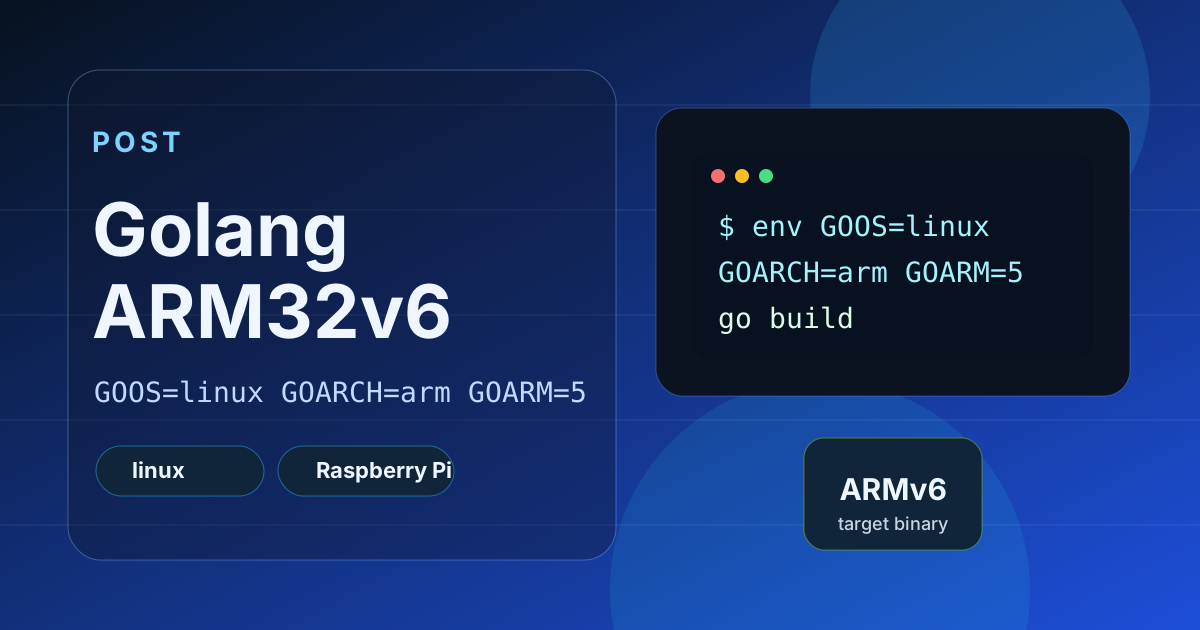
env GOOS=linux GOARCH=arm GOARM=5 go buildThis will ensure that your program is compatible with the ARM32v6 architecture.
In conclusion, Cross-compiling is definitely achievable and with this guide, you should have no problem getting it done. You can also refer to the following sources for more information and resources: